
In this guide
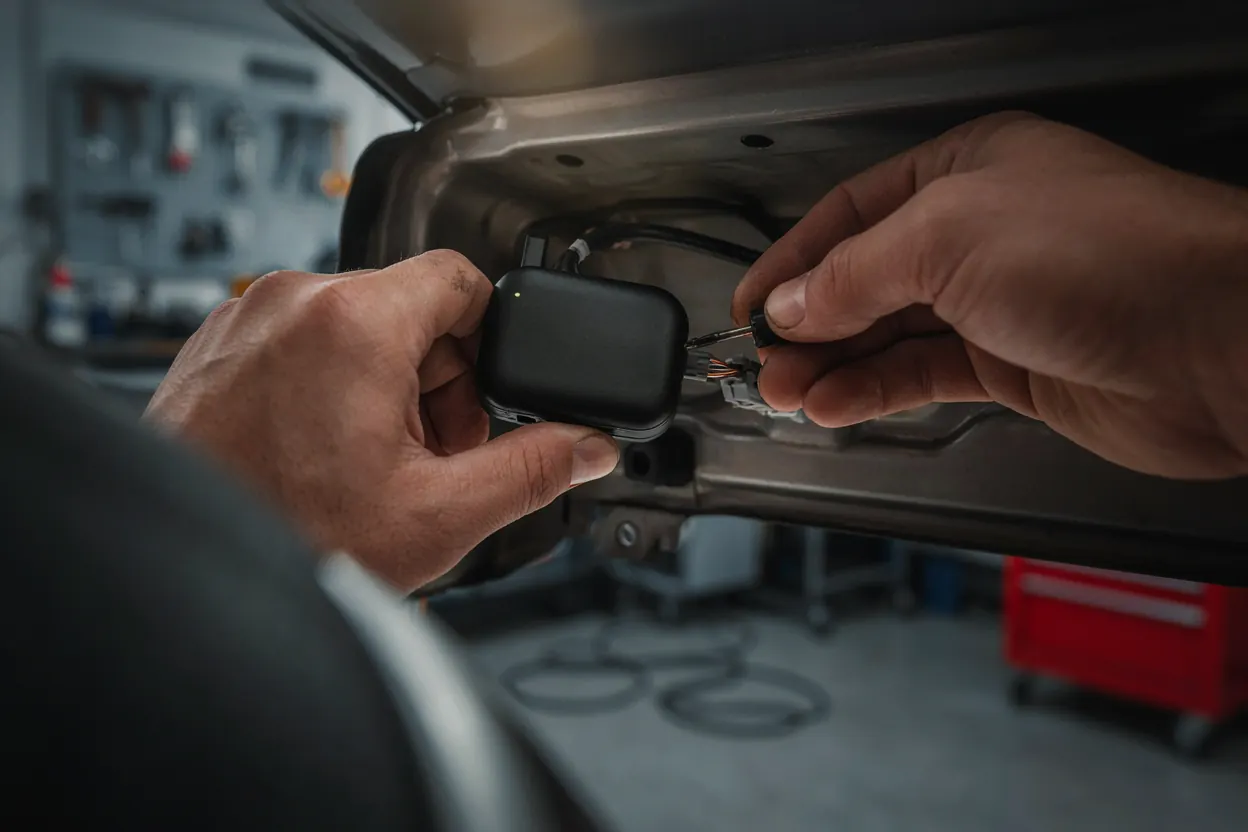
There are two ways to install a GPS tracker in a car. The first is a plug-in OBD tracker: find the diagnostics port under the dashboard, push the unit in, and it is live within minutes. The second is a hard-wired tracker connected to constant power, ignition and ground behind the dash, which is a job for a technician, especially when an engine cut-off relay is part of the kit. Which route you take depends on the type of tracker, the vehicle, and whether the car is a private vehicle or part of a fleet that answers to the Transport General Authority (TGA). This guide walks through both routes, and explains where a car tracking device is most often installed badly.
First, know which tracker you are holding
Installation steps differ by device class. Most trackers sold in Saudi Arabia fall into three groups, described in our guide to the types of GPS trackers for cars:
- OBD plug-in trackers draw power from the diagnostics port. No wiring, no tools, removable in seconds, which is both their strength and their weakness.
- Hard-wired trackers connect to the vehicle's electrical system. They are hidden, permanent, and can read ignition, drive a cut-off relay and power sensors.
- Battery and magnetic trackers need no connection to the car. Placement is the whole installation, and battery life depends on how often the unit reports.
If the device came with a harness of more than two leads, it is a hard-wired unit; read the professional section first.
How a professional installation goes, step by step
A trained installer follows the same sequence on every vehicle, which is why the fault rate is low. Here is what a typical car GPS tracker installation looks like from the technician's side.
- Vehicle survey. The installer checks the make, model and year, locates the fuse box and the ignition-switched circuits, and confirms the battery condition. Newer vehicles with CAN bus wiring get extra care because a wrong tap can trigger dashboard faults.
- Choosing the location. The unit goes where it has a clear view of the sky through plastic or glass, away from heat and out of casual reach. Our guide on where to place a GPS tracker in a car covers the trade-offs.
- Power. Constant 12 V from a permanently live circuit keeps the tracker reporting with the engine off. A separate ignition-switched feed tells it when the car is running, which is what makes trip reports, idling alerts and engine-hour counts accurate.
- Ground. A clean chassis ground on bare metal with a proper ring terminal, not twisted onto a painted bolt. Many "random disconnection" complaints trace back to a poor ground.
- Relay and inputs. If the kit includes engine cut-off, the installer wires a relay into a circuit the vehicle needs to start or run, then confirms the vehicle behaves normally with the relay at rest. Door, panic-button or fuel-sensor inputs are connected now too.
- Antenna orientation. Internal antennas are oriented upward with no metal directly above them. External GPS antennas are placed under the dash top or windscreen edge, never under a metal bracket.
- Securing and concealing. Cables are routed along factory looms and tied off so nothing rattles or chafes, and the unit is fixed where it cannot fall into a hot or wet area.
- Testing on the platform. The installer confirms a live position on the HHET platform, checks that ignition events arrive, drives a short loop to confirm speed and heading, and tests the cut-off with the vehicle stationary.
- Hand-over. The vehicle is named on the platform, the device identifier is recorded against the plate and chassis number, and the owner's app login is checked.
For licensed transport activities such as taxi, car rental, buses and freight trucks, the TGA requires the tracking device to be linked to its WASL platform. The installer records the device identifier, plate and chassis details at the installation stage so the linking can be completed. Confirm the current requirement for your activity before you choose a device, because not every tracker is suitable for WASL.
Installing an OBD tracker yourself
If you have a plug-in unit and a private vehicle, a do-it-yourself install is realistic. The steps are short:
- Activate the SIM in the tracker, or confirm the supplier has done so, and register the device on its app or platform before you go to the car.
- Find the OBD port. In most cars it is under the steering column, within reach of the driver's knees, sometimes behind a small cover.
- With the engine off, push the tracker firmly into the port. Some units have an indicator light that confirms power and a network connection.
- Start the car and drive for a few minutes in the open. Check that the app shows the vehicle moving and that the position matches the street you are on.
- If the tracker blocks the driver's legs or is too visible, use a short OBD extension cable and tuck the unit higher behind the dash trim.
Two cautions. An OBD tracker is only as permanent as a plug; a driver or thief can remove it in a second. And because the OBD port stays live with the engine off, a poorly designed unit can drain the battery over a long parking period, so ask the supplier how it sleeps.

When wiring or cut-off needs a professional
Hard-wired trackers are not difficult for someone who wires cars every day, and a reliable way to create faults for someone who does not. Call a technician when any of these apply:
- Engine cut-off or immobiliser. A relay in the wrong circuit can stop a vehicle on the highway or leave it unable to start, and the cut-off must be tested against the platform command. See our anti-theft GPS tracker with engine cut-off page for how the feature is meant to behave.
- CAN bus and newer vehicles. Tapping the wrong wire near airbag, body-control or sensor looms can log fault codes or disable systems.
- Vehicles under warranty or lease. Dealers and leasing firms accept a professional installation record; they rarely accept an owner's own splice.
- Commercial fleets. Fleet vehicles need consistent placement, an installation record per vehicle, and often WASL linking. One depot visit covers many vehicles to the same standard.
- Add-on sensors. Fuel-level sensors, temperature probes, driver-ID readers and dash cams need calibration against the platform, not just a connection.
Mistakes that kill the signal
Most "the tracker does not work" calls are installation problems. The usual suspects:
- Metal above the antenna. Steel brackets, the metal dash frame or a foil heat shield directly over the unit block satellite signals. Plastic and glass are fine; metal is not.
- Heat. A unit fixed against the firewall, on the heater box or under a black dash top in direct sun sees temperatures beyond what cabin electronics are designed for, especially in a Saudi summer. Heat shortens battery life and causes resets.
- Loose or borrowed power. Power from a circuit that is only live with the key on means the tracker goes dark whenever the car is parked. A loose spade terminal gives intermittent drop-outs that are hard to diagnose later.
- Weak ground. A painted panel or plastic-mounted bolt produces noise, resets and missed reports.
- Metallised window film. Some tints contain a metallic layer that attenuates GPS and cellular signals, so antenna position matters more.
- Antenna facing down. Internal patch antennas are directional. Mounting the unit upside down or on its side costs accuracy and fix time.
- Cables under moving parts. A loom routed near a pedal, seat rail or steering column eventually chafes through.
Park in the open and compare the platform position with your actual position for several minutes. A good install sits within a few metres and reports steadily. If the dot wanders, jumps between streets or stops updating with the engine off, suspect antenna placement, power or ground, in that order.
Before the technician leaves
Check three things: the live position matches the street outside, ignition on and off events arrive, and a test geofence around the parking area triggers an alert on your phone. Fixing a placement or a ground on the day is a ten-minute task; finding it six months later is not. If you would rather have the whole job handled, from device choice to platform training, request a quote and describe your vehicles.
The HHET team. HHET installs and supports vehicle tracking and temperature monitoring across Saudi Arabia from Jeddah. Guides are written from installation and support experience, and reviewed when devices or regulations change.